Contact Info
Modern payment processing built for high-volume restaurants and QSRs in the DMV area—integrated POS systems, drive-through optimization, and transparent pricing.
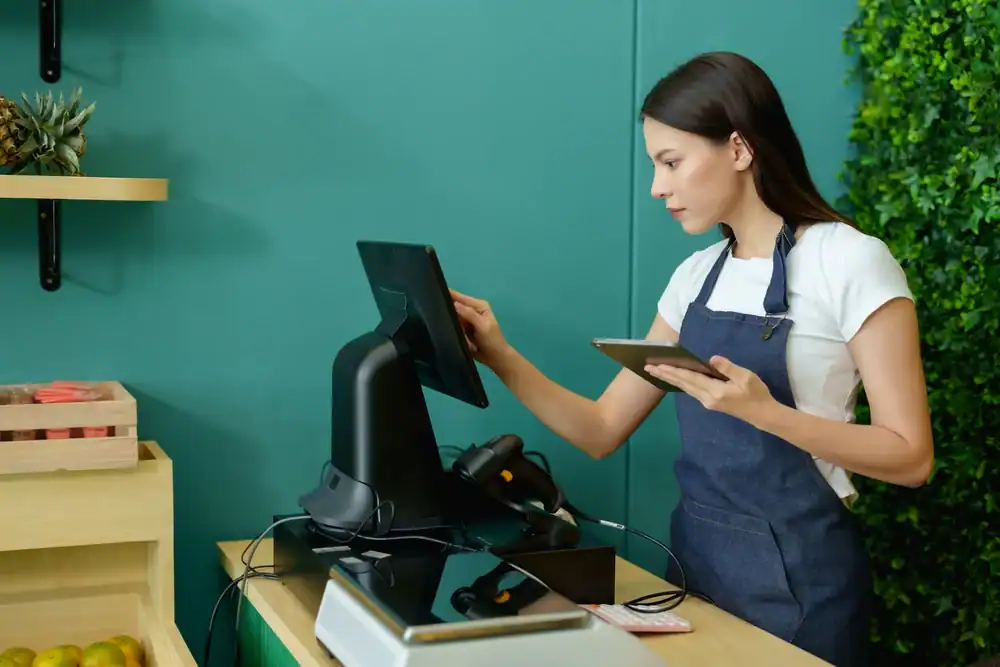
When a customer taps their card at your register or orders through your app, that payment moves through several steps before the money hits your account. Understanding this process matters because each step involves a fee, and knowing where those fees come from helps you negotiate better rates.
The transaction starts at your point of sale—whether that’s a countertop terminal, a tableside tablet, or your online ordering system. That information gets encrypted and sent to your payment gateway, which routes it to your processor. The processor checks with the card networks (Visa, Mastercard, etc.) and the customer’s bank to verify the funds are available. Once approved, the money gets transferred to your merchant account, minus the processing fees.
This whole process happens in seconds, but it involves your payment processor, the card networks, the issuing bank, and your acquiring bank. Each one takes a small cut. For most restaurants, total processing costs run between 2.0% and 3.5% per transaction, plus a flat fee of $0.15 to $0.30. Those percentages add up fast when you’re doing serious volume.
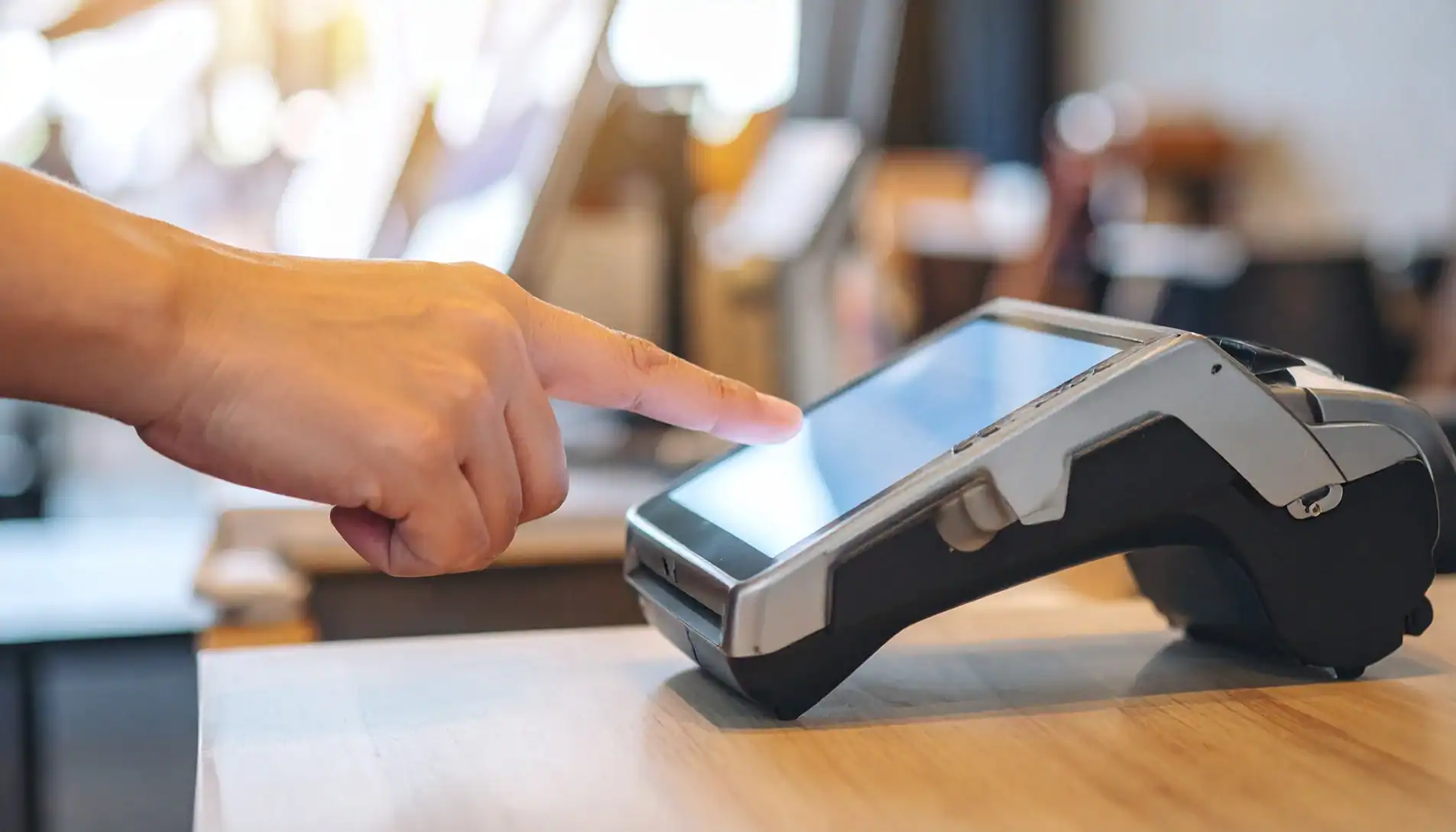
An integrated POS system connects your payment processing with everything else running your restaurant—your kitchen display screens, inventory tracking, online ordering, employee scheduling, and reporting. When these systems talk to each other automatically, you eliminate the manual work that eats up time and creates errors.
Here’s what that looks like in practice. A customer orders through your website. That order doesn’t just sit on a tablet waiting for someone to manually punch it into your POS. It flows directly to your kitchen display system, updates your inventory in real-time, processes the payment, and logs the transaction in your sales reports. No double entry. No missed orders. No wondering if your inventory counts are accurate.
The same integration works for drive-through operations. Orders taken at the speaker sync instantly with kitchen screens and payment terminals. Your staff can park orders, recall them when the customer pulls forward, and process payments without juggling multiple systems. During peak hours, this integration is the difference between smooth service and complete chaos.
For full-service restaurants, integrated systems enable tableside ordering and payment. Servers take orders on mobile devices that send tickets straight to the kitchen. When it’s time to pay, customers can settle their bill right at the table instead of waiting for someone to run their card. This speeds up table turns, which directly impacts how many customers you can serve during your busiest shifts.
The data side matters just as much. Integrated systems give you real-time visibility into what’s selling, what’s sitting in inventory, which menu items have the best margins, and how labor costs track against sales. You can check this information from your phone, not just when you’re standing at the register. That means you can make decisions about staffing, ordering, and menu changes based on actual numbers, not gut feelings.
Restaurants using these multi-channel integrated systems typically see customer retention rates jump by 15-20%. When the experience is smooth—whether someone orders online, calls in, or walks through the door—they’re more likely to come back.
Drive-through operations live and die by throughput. If your payment system adds even a few seconds to each transaction, those delays compound across hundreds of cars per day. You lose revenue not because you can’t make the food fast enough, but because the line moves too slowly and customers drive away.
Modern drive-through payment systems integrate with your ordering setup so that transactions start processing while customers are still at the speaker. Orders flow to kitchen displays immediately, and payment terminals are ready the second the customer pulls to the window. The system needs to handle order parking—when you need to ask a customer to pull forward—and recall those orders instantly when they’re ready.
Mobile payment options matter here too. Customers want to tap their phone or card and go. Systems that support Apple Pay, Google Pay, and contactless cards process faster than traditional swipe or chip reads. Every second saved per car multiplies across your daily volume.
The integration with headset systems and drive-through timers helps you track performance. You can see average service times, identify bottlenecks, and figure out if the delay is happening at order-taking, food prep, or payment processing. This data shows you exactly where to focus improvements.
AI-powered voice ordering is starting to show up in QSR drive-throughs, with some operations reporting 35% faster order processing. The technology handles complex orders with high accuracy, freeing up staff to focus on payment processing and food delivery. While this is still emerging, the trend points toward drive-through systems becoming even more automated.
Location awareness through GPS tracking helps with curbside pickup and mobile order coordination. Customers place orders through your app, and the system alerts your team when they arrive. Payment is already processed, so you’re just handing off the order. This creates the speed customers expect without requiring additional staff.
For QSR operations in the DMV area, where competition is intense and customers have plenty of options, drive-through efficiency directly impacts your bottom line. The restaurants that can serve more cars per hour, with fewer errors and faster service, win the market share.
Want live answers?
Connect with a Merchant Pro Inc expert for fast, friendly support.
Processing fees are straightforward to calculate but complicated to optimize. Every transaction costs you a percentage plus a flat fee, and those costs vary based on the type of card, how the transaction is processed, and what pricing model your processor uses.
Interchange fees go directly to the customer’s bank and make up the largest portion of your costs. These rates are set by Visa and Mastercard and vary by card type—debit cards cost less than credit cards, and rewards cards cost more than basic cards. Card-present transactions (when the customer physically taps or inserts the card) cost less than card-not-present transactions like online orders.
Your processor’s markup sits on top of those interchange fees. This is where pricing models matter. Flat-rate pricing is simple—you pay the same percentage on every transaction regardless of card type. Interchange-plus pricing is more complex but usually cheaper for restaurants doing significant volume. You pay the actual interchange rate plus a fixed markup. For restaurants processing more than $40,000 per month, interchange-plus typically saves 30-50% compared to flat rates.

The advertised processing rate is just part of what you’ll actually pay. Monthly fees, PCI compliance charges, statement fees, batch fees, equipment rental, early termination fees—these add up quickly if you’re not paying attention.
Some processors charge monthly minimum fees. If your processing volume falls below a certain threshold, you pay the difference. This hurts seasonal restaurants or new operations still building volume. Gateway fees for online transactions, chargeback fees when customers dispute charges, and fees for accepting certain card types can all appear on your statement.
PCI compliance fees deserve special attention. You need to be PCI compliant to accept credit cards—it’s not optional. Some processors charge annual or monthly fees for this, while others include it in their base pricing. Either way, you’re paying for it. The question is whether it’s transparent or buried in fine print.
Equipment costs vary widely. Some processors require you to buy or lease terminals, card readers, and other hardware. Others provide equipment as part of the service. Leasing usually costs more over time than buying outright, but it includes replacement if something breaks. For restaurants, where equipment takes a beating, that warranty matters.
The best way to avoid surprise fees is to ask direct questions before signing anything. What’s the effective rate when you factor in all monthly fees? What happens if you need to cancel? Are there fees for chargebacks, and how are they handled? Can you use your existing hardware, or do you need to buy new equipment?
Transparency in pricing isn’t just nice to have—it’s essential for managing costs in an industry where margins are already tight. Restaurants in DC, Virginia, and Maryland deal with rising labor costs, increasing food prices, and competitive pressure. Processing fees you can actually predict help you maintain profitability.
Loyalty programs work best when they’re built into your payment system, not bolted on as an afterthought. When a customer pays, the system automatically tracks their purchase, awards points, and updates their rewards balance. No separate card to scan. No extra steps that slow down checkout.
The data shows this approach works. Restaurant loyalty program members order three times more over their lifetime compared to non-members. Integrating loyalty directly into your POS and payment processing makes enrollment effortless—customers sign up once, and every transaction counts toward rewards automatically.
The most effective programs reward specific behaviors, not just spending. You might offer bonus points for ordering during slow periods, choosing pickup over delivery, or trying new menu items. This shifts customer behavior in ways that benefit your operation while making customers feel like they’re getting extra value.
Points-based systems are straightforward—spend money, earn points, redeem for rewards. Tiered programs add another layer, where customers unlock better benefits as they spend more. This creates a sense of progression that keeps people engaged. Some restaurants see visit frequency increase by up to 35% and purchase amounts rise by 20% when loyalty programs are properly implemented.
The integration with payment processing means you capture valuable data with every transaction. You know what customers order, when they visit, how much they spend, and what promotions actually drive behavior. This information helps you personalize offers, predict inventory needs, and make smarter marketing decisions.
For quick service restaurants, loyalty programs built into mobile apps create a complete ecosystem. Customers order ahead, pay through the app, and earn rewards automatically. The convenience drives repeat visits, and the data helps you optimize operations. Starbucks, Chipotle, and other major chains have proven this model works at scale.
The key is removing friction. If customers have to do extra work to earn or redeem rewards, participation drops. When it’s automatic—when paying for their meal is all they need to do—adoption rates skyrocket. That’s why integration with your payment processing system matters so much.
The right payment processing setup does more than accept credit cards. It integrates with your POS, speeds up service across all channels, provides real-time data you can actually use, and costs less than you’re probably paying now.
For restaurants and quick service businesses in DC, Virginia, and Maryland, this means finding a merchant services partner who understands high-volume operations, transparent pricing, and the technology integrations that make everything run smoother. The difference between a system that works and one that doesn’t shows up in table turn times, drive-through throughput, labor costs, and ultimately your bottom line.
If you’re dealing with hidden fees, disconnected systems, or payment technology that can’t keep up with your volume, it’s worth having a conversation about what modern internet merchant services can do for your operation. We’ve been helping restaurants in the DMV area solve these exact challenges for over 30 years.
Summary:
Share: