Contact Info
Modern retail POS systems do more than process sales—they track inventory in real time, integrate payments seamlessly, and help you make smarter decisions faster.
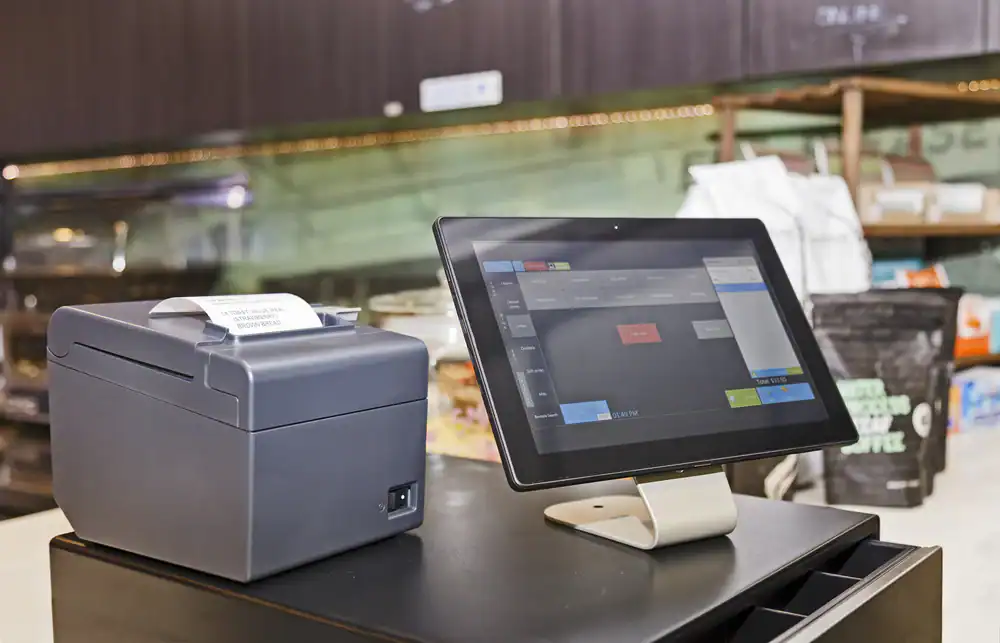
A retail POS system used to mean a cash register that rang up sales. Now it’s the central hub of your entire operation. It processes transactions, yes, but it also tracks inventory in real time, manages employee schedules, generates sales reports, and connects your in-store and online sales channels so nothing falls through the cracks.
The shift happened because retailers needed more than transaction processing. You need to know what’s selling, what’s sitting on shelves, and which employees are driving the most revenue. Cloud-based systems made this possible by storing data remotely and syncing it instantly across all your devices and locations.
When payment processing is built directly into your POS software, reconciliation becomes automatic instead of a monthly headache. When inventory updates happen with every sale, you stop selling items you don’t have in stock. That’s the difference between a system that just takes payments and one that actually helps you run a better business.

Inventory problems show up in two ways: you run out of your best-selling items right when customers want them, or you’re sitting on thousands of dollars of products that aren’t moving. Both situations hurt your bottom line, and both happen when you’re tracking stock manually or using a system that doesn’t update in real time.
Modern retail point of sale software solves this by updating inventory counts automatically with every transaction. Scan an item at checkout, and your available stock drops by one instantly. That number syncs across all your locations and your online store if you have one. You’re not guessing what’s left in the back room or discovering you oversold something three days ago.
The better systems go further with automated low-stock alerts. Set a threshold for each product, and the system notifies you when it’s time to reorder. Some platforms even generate purchase orders automatically based on your sales velocity and lead times from suppliers. This means you’re restocking based on actual data, not gut feeling.
For retailers managing multiple locations across DC, VA, and MD—whether that’s stores in Bethesda, MD and Alexandria, VA, or shops spread across Columbia, MD and Arlington, VA—multi-location inventory visibility becomes critical. You can see which store has excess stock of an item another location needs, transfer inventory between stores, and avoid the situation where one shop is turning customers away while another has the same product collecting dust. Real-time tracking also helps you spot theft or shrinkage faster because discrepancies show up immediately instead of during your quarterly physical count.
The numbers tell the story: small retailers often carry tens of thousands of dollars in excess inventory without realizing it. That capital is tied up in products sitting on shelves instead of generating revenue. Accurate tracking helps you run leaner, order smarter, and free up cash flow for other parts of your business that actually need it.
Payment processing used to be separate from your POS system. You’d ring up a sale on one device, then process the payment on another terminal, and hope the numbers matched up at the end of the day. Integrated payment processing changed that by handling both functions in one system, which sounds simple but makes a massive difference in how your store operates.
When payments are integrated, transaction data flows directly into your sales reports without manual entry. You’re not spending hours reconciling credit card batches with your daily sales totals. The system does it automatically, and your numbers are accurate because there’s no room for human error or double entry. This matters more as you grow—what takes 20 minutes with one register becomes hours of work with multiple locations.
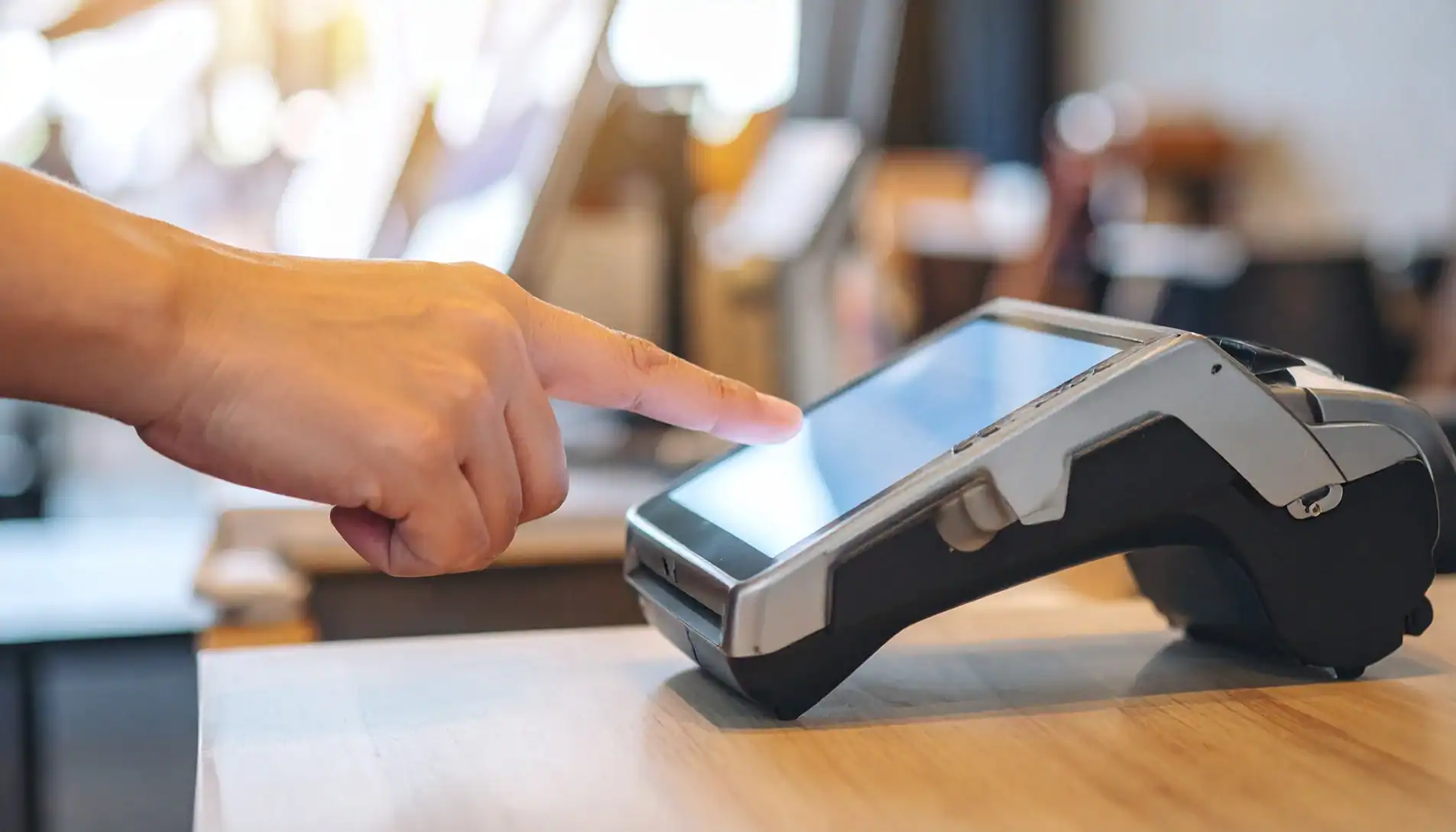
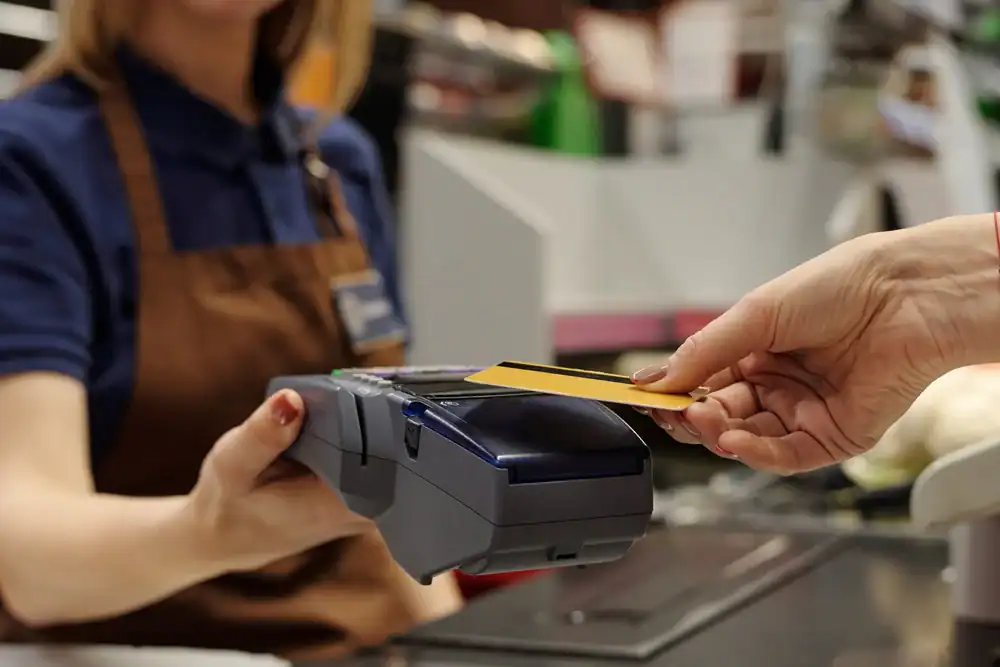
Integrated systems also speed up checkout. Customers tap their card or phone, the payment processes in seconds, and the receipt prints or sends via email automatically. There’s no switching between screens or devices, no waiting for separate terminals to connect, and no frustrated customers stuck in line while you troubleshoot a payment that didn’t go through.
Security is another reason integration matters. When payment data moves through a single, encrypted system instead of bouncing between multiple platforms, you reduce the risk of breaches. PCI-compliant payment processing protects customer data from the moment they insert or tap their card. If something does go wrong, you’re working with one support team instead of pointing fingers between your POS provider and your payment processor.
For retailers in competitive markets like Bethesda, MD, Alexandria, VA, or Columbia, MD, checkout speed directly impacts customer satisfaction. Long lines drive people away, especially during peak shopping hours. An integrated system keeps transactions moving quickly, which means you serve more customers in less time without adding more registers or staff.
Contactless payments are now standard, not optional. Customers expect to use Apple Pay, Google Pay, and tap-to-pay credit cards. If your system doesn’t support these options, you’re creating friction at the exact moment someone is ready to buy. Integrated payment processing makes it easy to accept every payment method your customers want to use, without buying separate hardware for each one.
The financial side matters too. Integrated systems give you better visibility into your cash flow because all payment data lives in one place. You can see daily sales broken down by payment type, track processing fees, and identify trends in how customers prefer to pay. This information helps you negotiate better rates with payment processors and understand the true cost of accepting different payment methods.
Want live answers?
Connect with a Merchant Pro Inc expert for fast, friendly support.
Labor costs are one of the biggest expenses for retail stores, and managing schedules manually wastes time you could spend on literally anything else. Modern POS systems include employee management features that handle scheduling, time tracking, and performance monitoring in one place, which makes your job easier and gives you better control over labor costs.
Built-in time clocks let employees clock in and out directly through the POS. No separate system, no paper timesheets, no employees “forgetting” to clock out. The system tracks their hours automatically and can even prevent early clock-ins or flag when someone is approaching overtime. This data feeds directly into payroll, so you’re not manually calculating hours or fixing errors from illegible handwriting.
Scheduling tools show you who’s working when, who’s requested time off, and where you have gaps in coverage. You can build schedules based on your busiest hours, which you know because your POS tracks sales by time of day. This means you’re not overstaffed during slow periods or understaffed when customers are actually in your store.

Sales data only matters if you can actually use it. Raw numbers sitting in reports you never look at don’t help you run a better store. The best retail POS systems turn transaction data into insights you can act on, showing you what’s working, what’s not, and where you have opportunities to increase revenue.
Product performance reports show which items are selling and which are taking up shelf space without generating revenue. You can see this by day, week, month, or season, which helps you understand buying patterns and adjust your inventory accordingly. If a product consistently sells out on Saturdays, you know to have more stock on hand. If something hasn’t sold in 90 days, it’s time to discount it and use that shelf space for something that actually moves.
Sales by employee give you visibility into who’s driving revenue and who might need additional training or support. This isn’t about micromanaging—it’s about understanding your team’s strengths and identifying coaching opportunities. If one employee consistently upsells or has higher average transaction values, you can learn what they’re doing differently and share those practices with the rest of your team.
Time-based sales data reveals your peak hours and slow periods. This information directly impacts your scheduling decisions, marketing timing, and even your store layout. If most of your sales happen between 11 AM and 2 PM, you need your best people working those hours. If evenings are slow, you might test different promotions or adjust your hours instead of paying staff to stand around an empty store.
Multi-location retailers can compare performance across stores to identify what’s working in one location that could be applied to others. Maybe your Rockville, MD store consistently outperforms your Annapolis, MD location. The data might show different product mixes, different peak hours, or different average transaction values that explain the gap. You can then test changes in the underperforming location based on what’s proven to work elsewhere.
Customer data tracking helps you understand buying patterns and build loyalty programs that actually drive repeat business. When you know a customer’s purchase history, you can make relevant recommendations instead of generic suggestions. This personalization increases average transaction values and builds relationships that keep people coming back to your store instead of shopping online or with competitors.
The reporting capabilities separate basic POS systems from ones built for growth. You need more than daily sales totals. You need to see trends over time, compare performance across products and locations, and drill down into the details when something looks off. Systems with customizable reports let you track the metrics that matter most to your specific business instead of forcing you into a one-size-fits-all dashboard.
The choice between cloud-based and traditional on-premise POS systems affects more than just where your data lives. It changes how you access information, how updates happen, what you pay upfront versus ongoing, and whether you can manage your business from anywhere or only from behind the counter.
Cloud-based systems store your data on remote servers and let you access it from any device with an internet connection. You can check sales from your phone, run reports from home, and manage inventory from your laptop. Updates happen automatically in the background, so you always have the latest features and security patches without scheduling downtime or paying for upgrades. If your hardware fails, you replace the device and log back in—all your data is still there because it lives in the cloud, not on that specific machine.
Traditional systems keep everything on local servers in your store. You own the hardware outright, which means higher upfront costs but potentially lower ongoing fees. Updates require manual installation, and if something breaks, you’re dealing with hardware repairs or replacements that can shut down your entire operation until they’re fixed. Accessing your data remotely requires VPN connections or remote desktop software, which adds complexity and potential security issues.
For most retailers, especially those operating in 2026, cloud-based systems make more sense. The monthly subscription model spreads costs over time instead of requiring a massive upfront investment. Automatic updates mean you’re never running outdated software with security vulnerabilities. Remote access lets you manage your business even when you’re not physically in the store, which matters when you’re running multiple locations across Maryland, Virginia, and DC or when you need to check on things outside business hours.
The offline functionality concern that used to favor traditional systems isn’t as relevant anymore. Modern cloud-based POS systems include offline modes that let you continue processing sales even when your internet connection drops. Transactions are stored locally and sync to the cloud automatically once you’re back online. You’re not completely dead in the water if your internet goes down, but you get all the benefits of cloud access when your connection is working normally.
Security is actually better with cloud systems when they’re built correctly. Reputable providers invest heavily in data encryption, regular backups, and security infrastructure that would be prohibitively expensive for individual retailers to implement themselves. Your data is backed up automatically, so you’re protected against hardware failures, fires, or other disasters that could wipe out locally stored information. Traditional systems require you to handle your own backups, and most retailers don’t do this consistently or correctly.
Scalability is where cloud systems really shine. Adding a new location means logging into your existing account on new hardware, not buying and configuring separate servers. Your inventory, customer data, and sales history are immediately available at the new location because everything syncs through the cloud. With traditional systems, expansion means duplicating your entire infrastructure and figuring out how to connect multiple independent systems.
The subscription pricing model also aligns with how most small businesses manage cash flow. Paying $100-200 per month is easier to budget for than dropping $5,000-10,000 upfront on hardware and software licenses. You can start with a basic plan and add features as you grow, rather than buying enterprise-level capabilities you won’t use for years. If your needs change or you want to switch providers, you’re not stuck with expensive hardware that only works with one system.
The best POS system for your retail store is the one that solves your actual problems without creating new ones. If inventory accuracy is your biggest headache, prioritize systems with real-time tracking and automated reordering. If you’re managing multiple locations, unified commerce and cloud-based access become non-negotiable. If checkout speed is hurting your customer experience, integrated payment processing and mobile POS capabilities matter most.
Start by identifying what’s not working in your current setup. Then evaluate systems based on how they address those specific issues, not just how many features they list on their website. The system with the longest feature list isn’t always the best fit—you want the one that makes your daily operations easier and gives you better visibility into your business.
For retailers operating in DC, VA, and MD, we at Merchant Processing Solutions Inc understand the unique challenges of running retail stores in competitive, high-cost markets. The right technology makes the difference between constantly putting out fires and actually growing your business.
Summary:
Share: